Trusted people
Add up to three important contacts. When needed, LENIA prepares a message for the person you choose and you confirm before it is sent.
LENIA Care adds a safety layer to the experience: quick access to SOS, trusted people and optional location for those moments when a conversation needs to become an action.

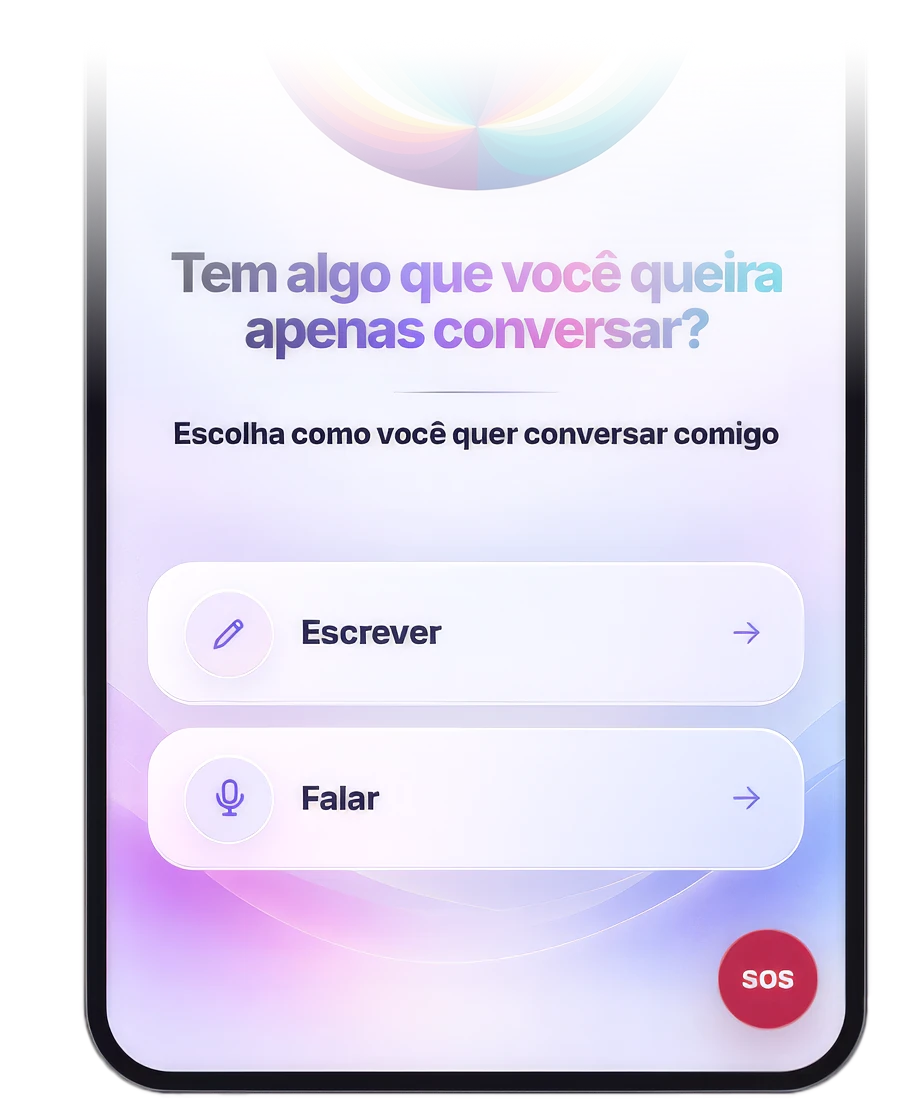
When you tap SOS — or clearly say during a conversation that you need help — LENIA can interrupt the normal flow and open emergency options. You choose what happens next and confirm any call or message directly on your device.
Add up to three important contacts. When needed, LENIA prepares a message for the person you choose and you confirm before it is sent.
You can choose whether location sharing is enabled, and location is requested only at the moment of SOS. Without permission, the feature still works without location.
LENIA can open a path to medical emergency, safety services, firefighters or a trusted person, but the final action depends on your confirmation.
The same feature can make sense for very different people. The goal is not surveillance or a replacement for professional care: it is to reduce the distance between realizing you need help and being able to act.
For people who live alone, commute at night, live far from family or simply want a faster way to contact someone they trust when something feels wrong.
Instead of searching for numbers, explaining everything again or deciding under pressure whom to call, you can set up the people you would want to reach beforehand.
A visible button and a simple flow can make it easier to contact family, caregivers or emergency services when navigating several apps or searching for contacts would be harder.
LENIA Care was designed to be optional, explicit and easy to understand. Nothing needs to remain active unless you choose it.
The feature becomes available in the app only after your confirmation.
Add up to three contacts and decide whether you want to allow location during a request for help.
LENIA opens the emergency flow and shows the options available for that moment.
Calls and messages proceed only when you confirm them on the device.
LENIA Care does not replace emergency services, medical or mental-health care, or law enforcement. If you are in immediate danger, contact the emergency service in your region directly. In Brazil: SAMU 192, Police 190 and Firefighters 193.
Download LENIA, set up LENIA Care at your own pace and have the feature ready before you need it.
Get LENIA